Practical browser-based tools for public website checks, DNS, HTTP, structured data, security, and web implementation.
Popular tools
Frequently used tools across Digital Domain Kit.
Resize, compress, convert, and optimize images without uploading them.
Check technical SEO details and generate search-ready website markup.
Validate, inspect, and generate practical web-development output.
Review public security signals and privacy-related website settings.
Investigate DNS, HTTP, IP, and public network information.
From our guides
The latest practical guides from the Digital Domain Kit editorial team.
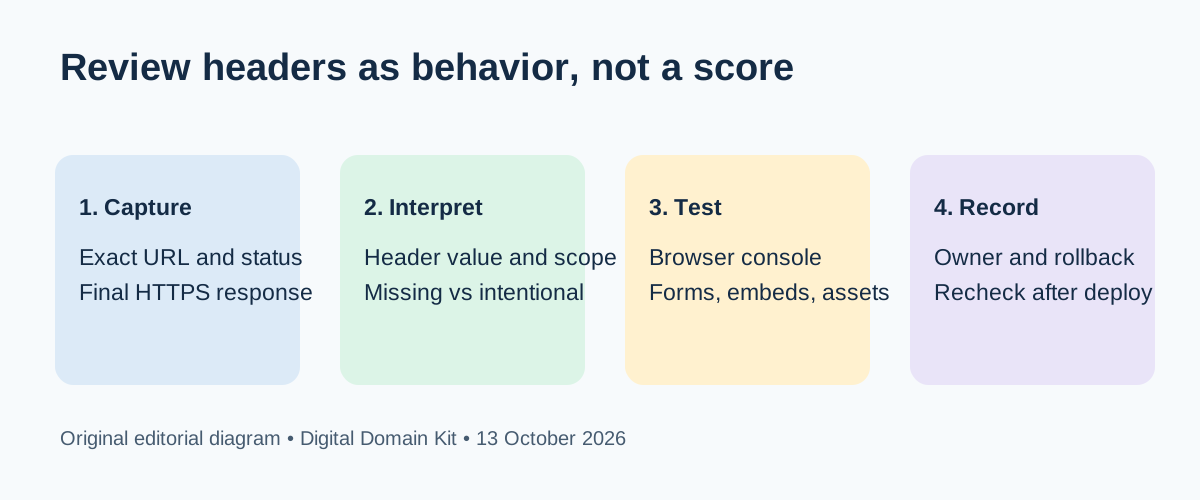
How to Review HTTP Security Headers After a Website Launch
Check the headers your live pages actually send, understand what each policy protects, and change CSP or HSTS without breaking the site.
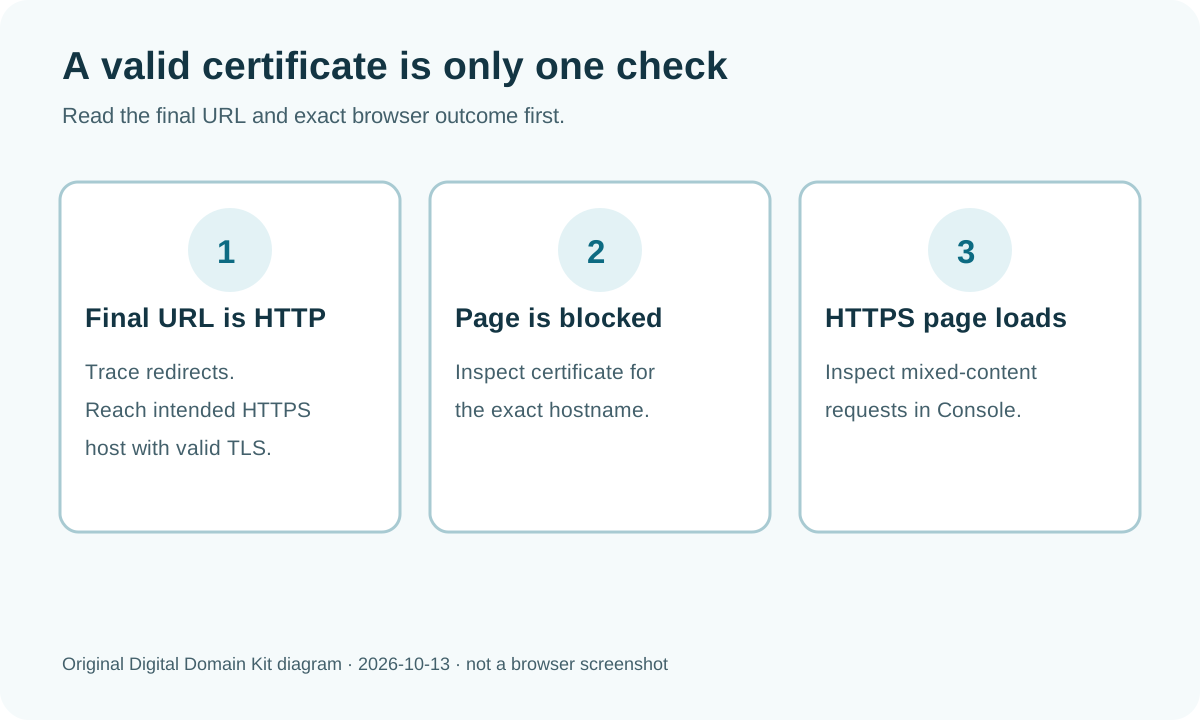
SSL Certificate Valid but Browser Says Not Secure? Check the Actual Page and Hostname
A valid certificate for one host does not secure every page load. Separate HTTP navigation, hostname mismatch, and mixed content with a short browser-first workflow.
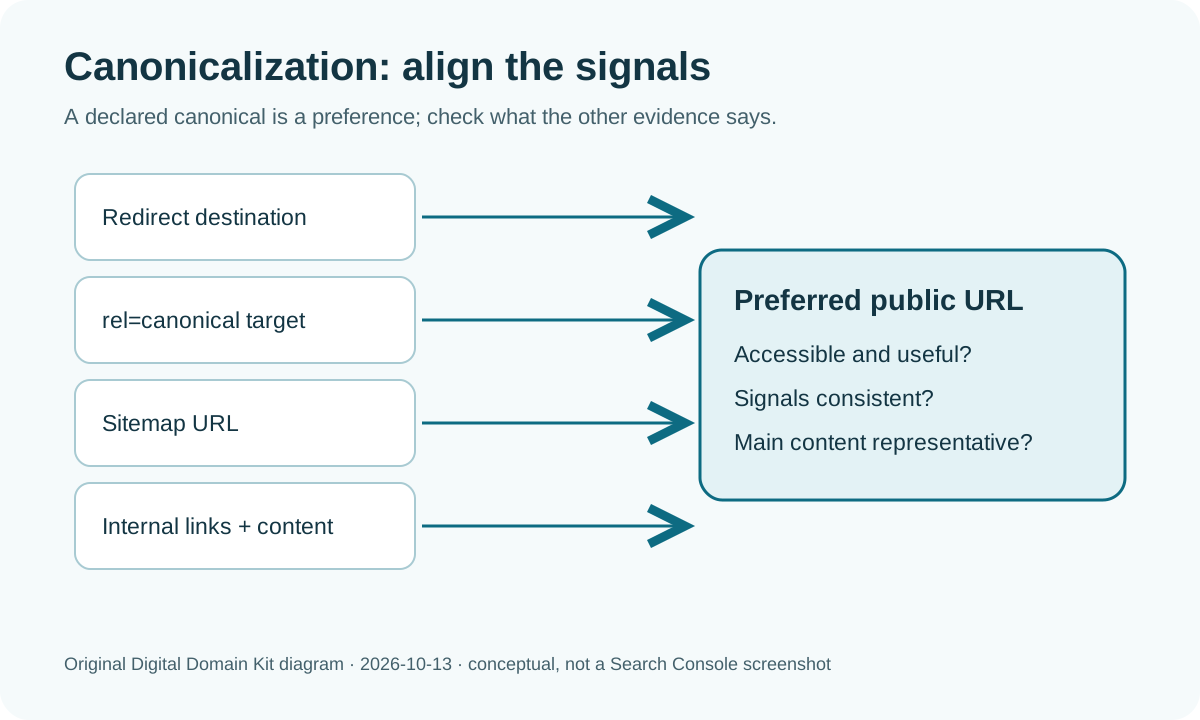
Google Chose a Different Canonical? Diagnose the Signals Before Changing the Tag
Search Console may show a different canonical than the one you declared. Compare both URLs, resolve conflicting signals, and decide whether a change is needed.
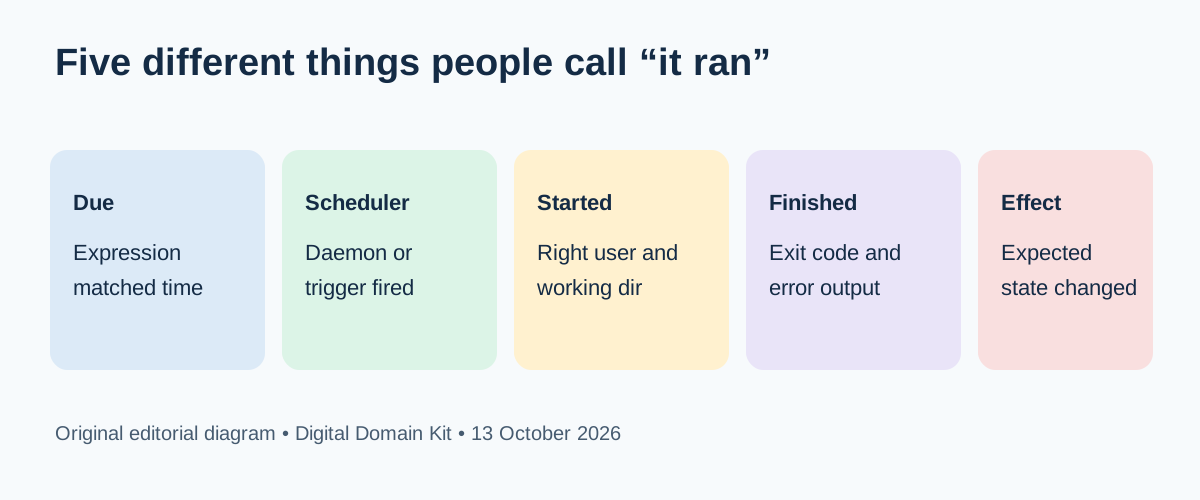
How to Verify a Cron Job Really Ran and Diagnose a Missed Schedule
Trace a scheduled task from its due time through process exit and the expected result, then diagnose missed runs without guessing.